Best Devices for IPTV in Australia
Sticks, Android boxes, Smart TVs, MAG boxes, phones and laptops compared for IPTV in Australia, with the specs that matter and A$ price ranges.
IPTV doesn’t lock you into one type of hardware. The same subscription can run on a Smart TV, a streaming stick, an Android TV box, a MAG box, a phone, a tablet or a computer. But they don’t all perform the same: some change channels instantly and play 4K without a stutter, while others crawl through a large TV guide.
Rather than rank gadgets, this buyer’s guide starts with who you are and how you watch, then compares each device type, the specifications that actually matter, typical Australian prices and what to watch out for when buying.
Start with how you watch
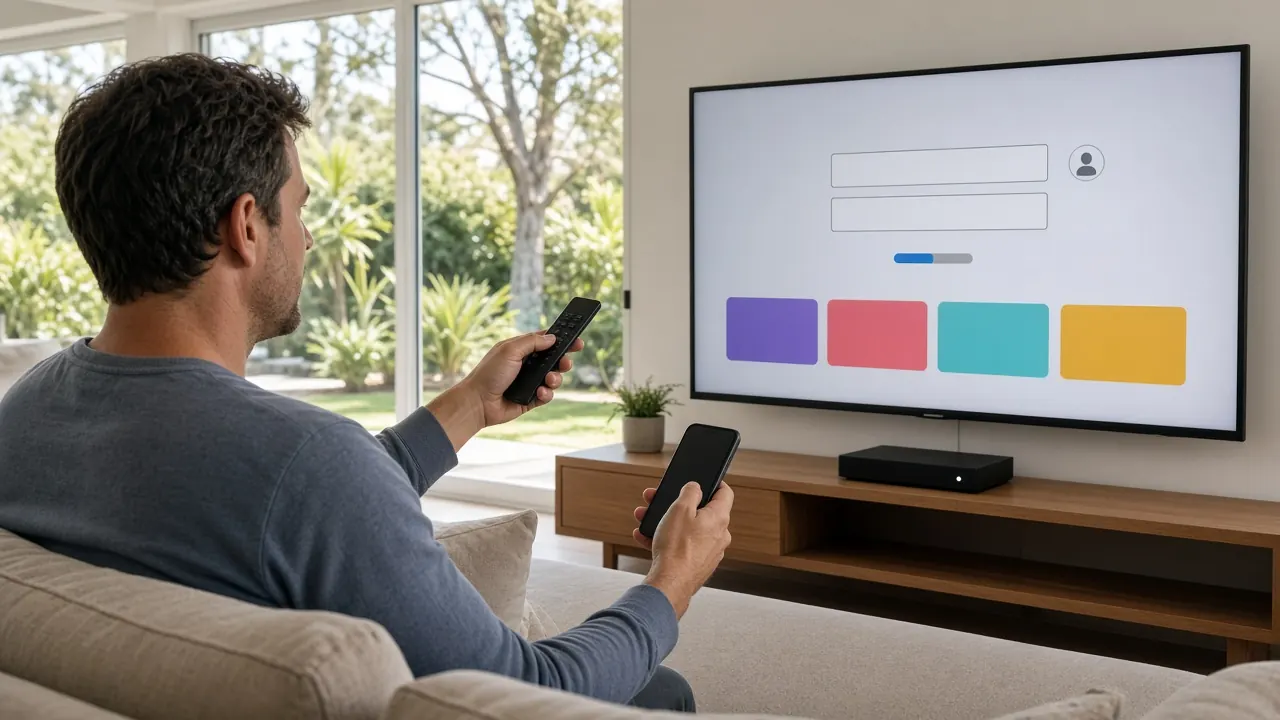
- “I just want it to work on the main TV.” A mid-range Android TV box connected by Ethernet, or your Smart TV’s own app if it’s recent.
- “It’s for Mum and Dad.” A MAG box with a simple remote, or a Smart TV app set up with a short favourites list.
- “We need several screens.” A box for the lounge, affordable sticks for bedrooms and phones or tablets for everyone else.
- “I’m a sport fan.” A capable Android TV box on Ethernet, feeding a 4K TV.
- “I travel a lot.” Your phone or tablet, plus a stick in your bag for hotel TVs.
Device types compared
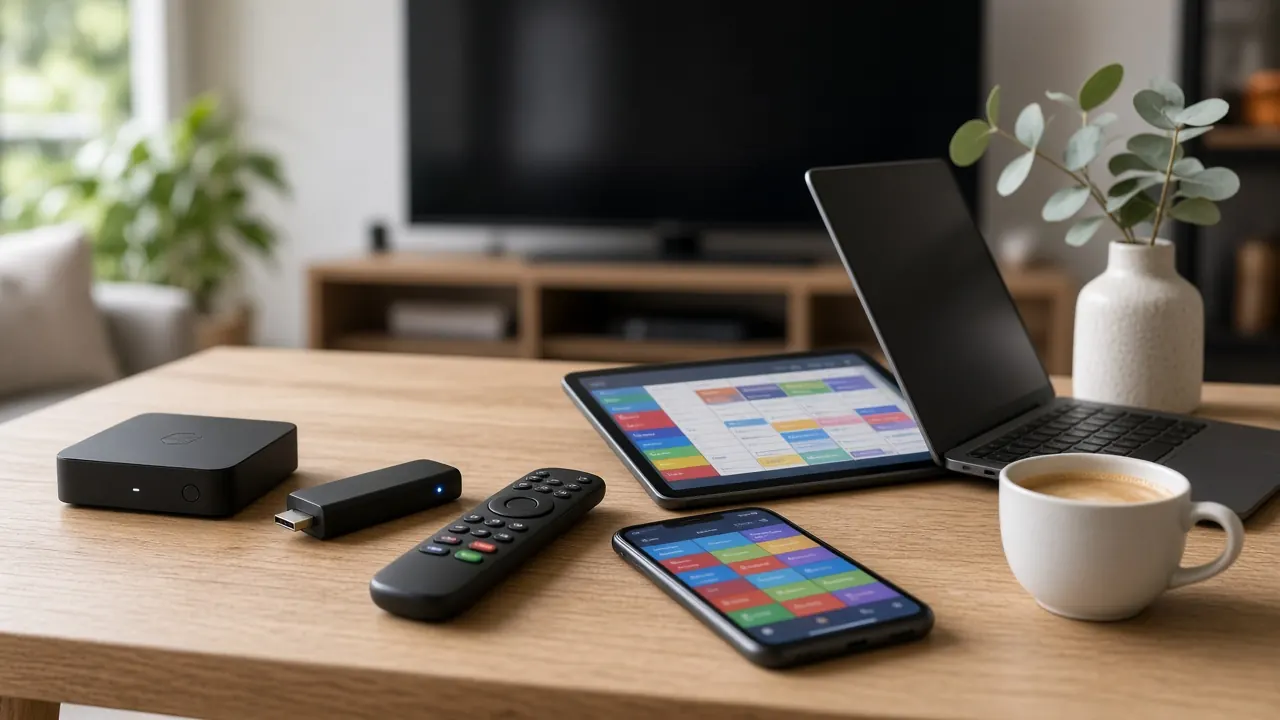
| Device | Rough A$ price | Picture | Ease | Main strength |
|---|---|---|---|---|
| Streaming stick | A$60–150 | HD to 4K | Easy | Cheap extra screens |
| Android TV box | A$90–350 | Full HD to 4K HDR | Easy | Speed and Ethernet |
| Smart TV app | Nothing extra | Depends on the TV | Easy to moderate | No extra hardware |
| MAG box | A$100–250 | Full HD to 4K | Very easy | Simplicity |
| Phone or tablet | Already owned | Sharp on small screens | Very easy | Portability |
| Laptop or desktop | Already owned | Good | Moderate | Second screen at a desk |
Prices are typical ranges at Australian retailers and change with specifications and sales.
Streaming sticks
Small, Android-based devices that plug straight into an HDMI port. They’re cheap, hide behind the TV and are easy to move between rooms. The trade-offs are less memory and processing power than a full box, and usually no Ethernet port, so they rely on Wi-Fi from behind the TV — often the weakest spot in the room. Choose one with at least 2 GB of RAM and use a short HDMI extension lead for better reception.
Android TV boxes
Slightly larger boxes with more memory, more storage, better cooling and an Ethernet port. They switch channels quickly, handle big guides and play 4K HDR smoothly on a wired connection. A full app store gives you the widest choice of IPTV players. The market is full of no-name boxes running old software, so stick to models from reputable retailers with current, certified software and regular updates.
Smart TVs
Many recent TVs can run an IPTV player from their own app store, which means no extra box and one remote. Quality varies widely between TV platforms: some stores have excellent players, some very few, and TV processors are often slower than a dedicated box. Manufacturers also stop updating older models after a few years. Try your TV’s app first; if it’s sluggish, add a box or stick.
MAG set-top boxes
Dedicated IPTV boxes that connect to a portal rather than running apps. You enter the portal address once, and the box shows a channel list and guide much like a traditional cable box. They’re reliable and very easy to use, which makes them ideal for older relatives. The downsides: no app store, fewer models sold locally, and your subscription is linked to the box’s MAC address.
Phones and tablets
Any modern phone or tablet can run an IPTV player. They’re perfect for watching in the kitchen, in bed or on the road, and they make a handy extra screen in a multi-device plan. Watch your mobile data: an HD stream can use roughly 1.5 to 3 GB an hour.
Laptops and desktops
Desktop IPTV players turn a computer into a useful second screen for news while you work. Setup can be fiddlier than on TV devices, and computers aren’t built for lean-back viewing with a remote.
Setting up several devices in one home
On a multi-device plan, you don’t need identical hardware everywhere. A common, cost-effective setup is a capable Android TV box on Ethernet for the lounge, where most people watch and where 4K matters; streaming sticks for bedrooms, where HD on a smaller TV looks great; phones and tablets for personal viewing; and a MAG box or simple Smart TV setup for older relatives. Each device can use the login type that suits it best — Xtream Codes on the box and phones, a MAG portal on the set-top box — and they all count towards the number of screens your plan covers. Set up separate favourites lists on each device so everyone finds their channels fast, and choose HD on secondary screens if your connection is shared by several streams at once.
The specs that matter
- RAM: 2 GB minimum, 4 GB recommended for fast channel changes and large guides.
- Storage: 16 GB or more, so apps and guide data have room.
- Networking: Ethernet for the most stable picture; Wi-Fi 5 or 6 otherwise.
- Video decoding: hardware H.264 and H.265 (HEVC). AV1 support is a bonus for future-proofing.
- Output: 4K with HDR10 (or better) if you have a 4K TV.
- Updates: a device still receiving security and software updates keeps apps working longer.
- Remote: number keys and a guide button make live TV much easier, especially for older viewers.
- Language support: if you watch Arabic, Hindi, Chinese or other non-Latin channels, make sure the device and player display those scripts correctly.
Buying in Australia: your rights and red flags
When you buy from an Australian business, the Australian Consumer Law gives you automatic guarantees: products must be of acceptable quality, fit for their purpose and match their description, and you’re entitled to a repair, replacement or refund if they’re not. Buying locally also means the right plug, Australian warranty support and a retailer to return to.
Red flags include very cheap imported boxes with unknown software, boxes advertised as “fully loaded” with thousands of channels pre-installed, and sellers who can’t tell you whether the device gets updates. Pre-loaded boxes often run outdated software, may carry security risks, and leave you with nobody to call when channels stop working.
Don’t forget the rest of the setup
The best device in the world will still struggle on a weak connection. Before you blame the hardware, make sure the main TV is wired to the router or sitting on strong 5 GHz Wi-Fi, that your plan has enough speed for every screen in use, and that the TV is set to a picture mode that suits what you watch. A good HDMI cable, a box placed where it can breathe, and automatic updates switched on will keep almost any modern device running smoothly for years.
Our recommendations
- Best all-rounder: a mid-range Android TV box with 4 GB of RAM, Ethernet and 4K HDR.
- Best value extra screen: a streaming stick with 2 GB of RAM or more.
- Easiest for older relatives: a MAG box, or a recent Smart TV with the player set up for them.
- Best for sport: an Android TV box on Ethernet, feeding a 4K TV in sport picture mode.
- Best for Arabic or Indian households: any of the above with good non-Latin script support — see our Arabic box TV guide for specifics.
Next steps
Already own a device? It almost certainly works with Australia IPTV. Follow our guide on how to use IPTV for step-by-step setup, work out how many screens you need with multi-device IPTV explained, compare subscription plans for 1 to 5 devices, or see everything included on the IPTV Australia homepage.