
How Does IPTV Work?
What actually happens between a TV studio and your screen when you watch IPTV, explained without jargon.
IPTV gets talked about as if it’s complicated, but the idea is simple: instead of television arriving through an antenna, a satellite dish or a cable, it arrives as data over your internet connection, just like a video call or a streaming movie. This guide explains what happens between the moment a programme is broadcast and the moment it appears on your screen, what your login and app actually do, and why your internet connection matters so much.
IPTV in one sentence
IPTV (internet protocol television) is live TV and on-demand video delivered over an internet connection and played by an app on your TV, box, phone or computer.
“Internet protocol” simply refers to the rules computers use to send data across networks. Your emails, web pages and video calls all travel the same way. IPTV uses those same networks to carry television.
From the studio to your screen, step by step
1. The channel is captured and compressed
A TV channel starts as a raw video and audio feed. Uncompressed high-definition video is enormous, far too big to send over home internet. So the feed is run through an encoder, which compresses it using a video standard such as H.264 or the more efficient H.265 (HEVC). Compression removes detail your eyes won’t notice and only records what changes from one frame to the next. A 4K channel that would need gigabits per second uncompressed can be delivered at around 25 megabits per second.
2. Servers prepare the stream
The compressed stream is sent to servers that prepare it for delivery. Often it’s cut into short segments a few seconds long, a method known as HLS, or sent as a continuous transport stream (TS). Some services prepare several versions at different qualities — 4K, Full HD and HD — so viewers can pick the one that suits their screen and connection.
3. The stream travels across the internet
When you choose a channel, your app asks a server for it, and the data travels across the internet to your home through your internet provider’s network. Larger services spread the load across many servers, so that thousands of people watching the same match don’t overwhelm any one machine. That’s what “load balancing” and “anti-freeze” servers are about.
4. Your app plays it
Your player app receives the data, keeps a few seconds in a buffer in case the connection hiccups, decodes the compressed video and shows it on screen. Modern TVs, boxes and phones have dedicated chips that decode H.264 and H.265 efficiently — one reason older devices sometimes struggle with newer, higher-quality streams.
What happens when you change channel
On traditional TV, changing channel is almost instant because every channel is arriving at your antenna all the time. With IPTV, only the channel you’re watching is being sent to you. When you press a new channel, your app stops the current stream, asks the server for the new one, waits for the first segment of video to arrive and fills a small buffer before playing. On a good connection and a capable device this takes a second or two. Slower devices, very large channel lists or weak Wi-Fi can stretch it out, which is why a faster box often feels like a much better service even on the same subscription.
What your login does
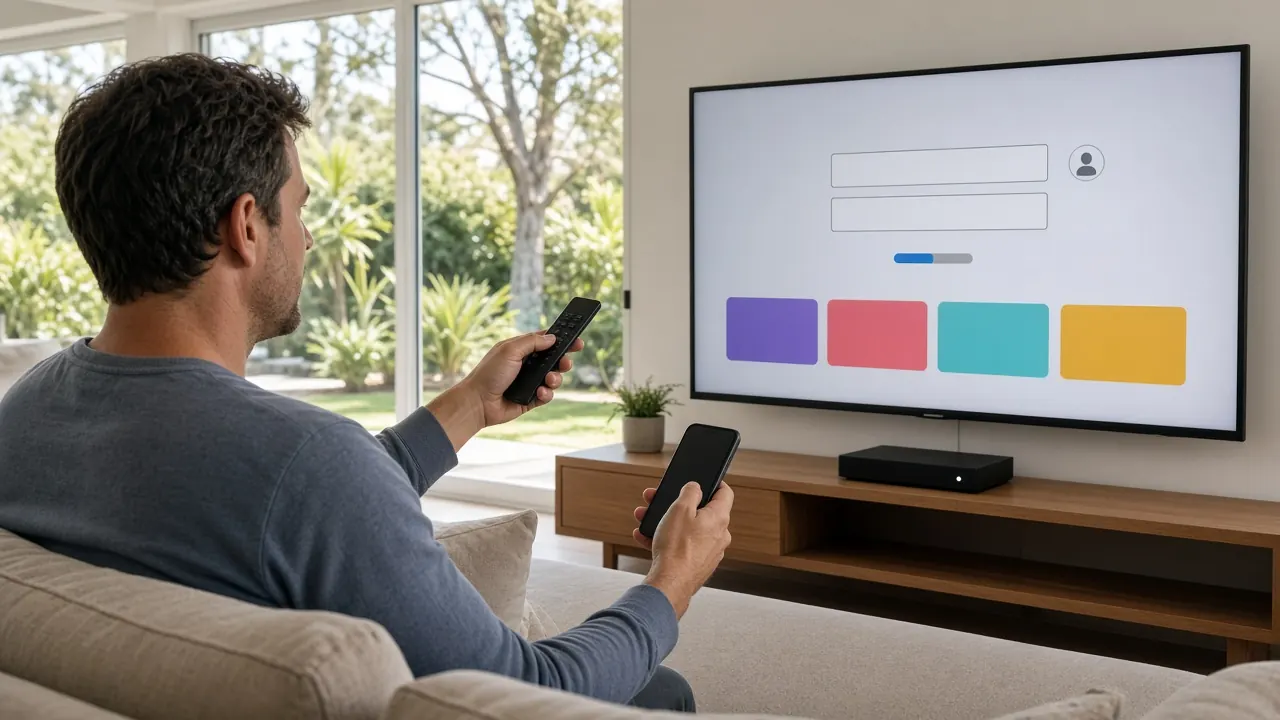
Your subscription login tells the servers who you are and what you’re allowed to watch. Depending on your device, it comes in one of three forms:
- Xtream Codes: a server address, username and password. The app uses them to request channel lists, the guide and the on-demand library automatically.
- M3U playlist: a single link to a list of channels and their stream addresses.
- MAG portal: a portal address recognised by a MAG set-top box’s unique MAC address.
The login also controls how many devices can watch at the same time. If more screens try to play than your plan allows, the server refuses the extra stream and you’ll see a “too many connections” message. For a full comparison of the three formats, read M3U vs Xtream Codes vs MAG explained.
Where the TV guide comes from
The on-screen guide (EPG) is separate data, usually in a format called XMLTV, listing what’s on each channel and when. Your app downloads it and matches each listing to the right channel using an ID. Times are stored in a universal format and converted to your device’s time zone — which is why a TV set to the wrong time zone shows a guide that’s hours out.
How catch-up and on-demand work
Catch-up works because servers record supported channels as they broadcast and keep the recordings for a period, often several days. When you scroll back in the guide and press play, the app requests that stored recording instead of the live stream.
On-demand movies and series are simply video files stored on servers. Your app requests the file, starts playing within seconds, and lets you pause, rewind and resume, because the whole programme is available rather than a live feed.
Why speed and stability matter
A live stream is a constant flow of data. If your connection can’t keep up, the buffer empties and the picture pauses. As a guide:
| Quality | Typical data rate | Data per hour (approx.) |
|---|---|---|
| HD (720p) | 3–8 Mbps | 1.5–3.5 GB |
| Full HD (1080p) | 6–15 Mbps | 3–7 GB |
| 4K (2160p) | 15–25 Mbps | 7–11 GB |
Stability matters as much as speed. A connection that averages 50 Mbps but dips sharply every few minutes will buffer more than a steady 20 Mbps one. Wi-Fi is the most common weak link, which is why a wired Ethernet connection to your main TV makes such a difference. If you’re watching on several screens at once, add their data rates together. Our guide to IPTV buffering causes and fixes goes into detail.
IPTV vs streaming apps vs broadcast TV
| IPTV | Streaming apps | Broadcast TV | |
|---|---|---|---|
| Delivery | Internet | Internet | Antenna, satellite or cable |
| Live channels | Yes, many | Some, usually on-demand focus | Yes, local only |
| TV guide | Yes | Varies | Yes |
| International channels | Often extensive | Limited | Very limited |
| Extra hardware | Usually none | Usually none | Antenna, dish or box |
In practice, many mainstream broadcasters already use IPTV technology inside their own apps. The difference with a dedicated IPTV service is that many channels from many countries are gathered into one guide and one login.
Where privacy fits in
Your viewing travels over your internet connection like any other data. Some services, including ours, build privacy protection into the service so your viewing stays private on any network without a separate VPN app. If you already use a VPN, it will usually work alongside IPTV, but connecting to a distant VPN server adds delay and can cause buffering.
Is it legal?
The technology is legal and widely used. Whether a particular service is lawful depends on whether it has the rights to the content it carries. Our FAQ includes a neutral summary of the position in Australia, which is general information rather than legal advice.
Putting it into practice
Now you know what’s going on behind the screen, getting started is straightforward: a decent connection, a compatible device, a player app and a login. Follow our step-by-step guide on how to use IPTV, compare IPTV subscription plans for 1 to 5 devices, or see everything included on the IPTV Australia homepage.